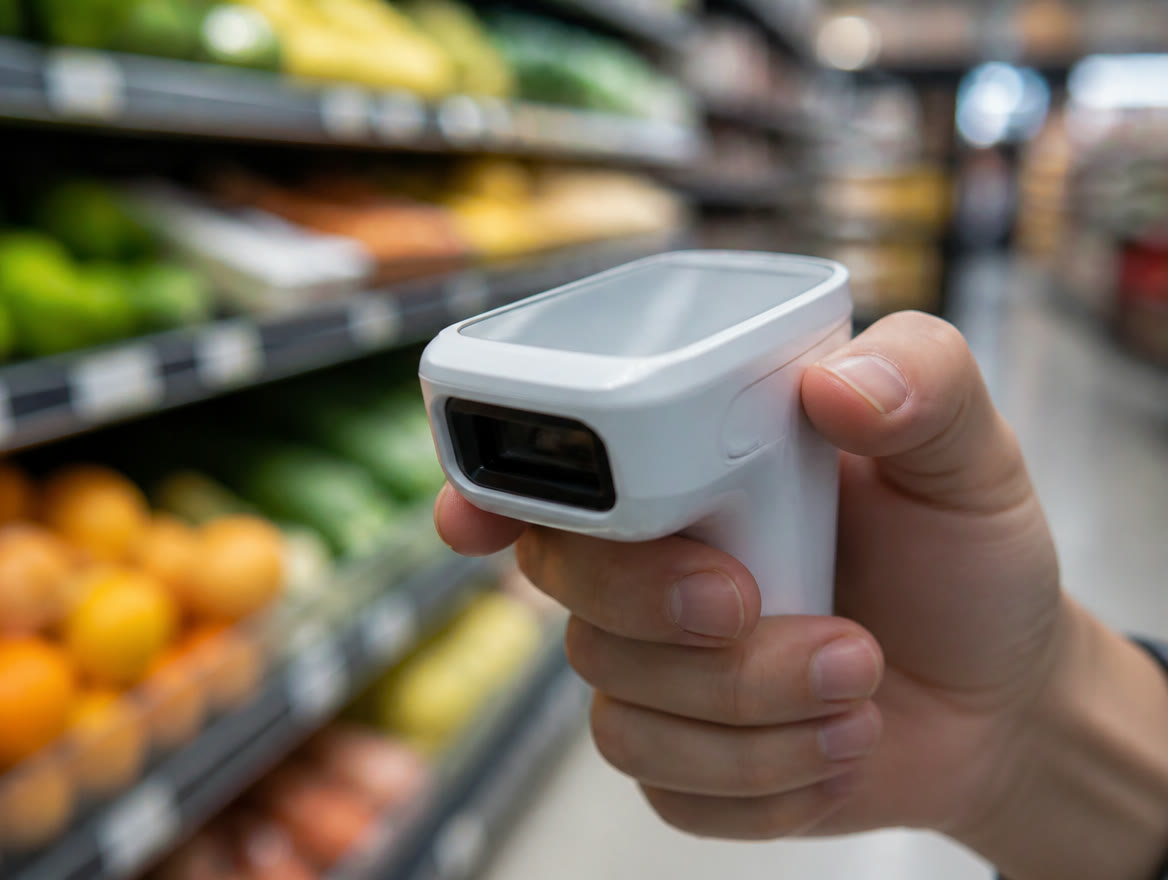
Square hardware comes in seven devices on Square’s US hardware page: Square Register ($899), Square Handheld ($399), Square Terminal ($299), Square Stand ($149), Square Kiosk ($149), Square Reader for contactless and chip ($59) and Square Reader for magstripe (first one free, then $10). Those are Square’s published prices, checked October 2026, and they can change. Choose by where the sale happens: Terminal for a compact counter that prints receipts, Register for a busy counter, Stand or Kiosk if you bring an iPad, Handheld for tableside and aisle work, and a Reader for selling on the go.
What Square hardware is available, and what does each device cost?
Processing is billed separately from hardware: 2.6% + 15¢ per tap, dip or swipe on Square Free. Our Square fees guide covers every plan.
Here are the seven devices on Square’s US hardware page. Every price is Square’s published pricing, checked October 2026, before tax; monthly figures are Square hardware financing, issued by Block, Inc. and subject to credit approval. Square can change any of it, so confirm in your Square Shop cart.
| Device | Price | Monthly option | Built for | Cards |
|---|---|---|---|---|
| Square Register (2nd gen.) | $899 | $44/mo × 24 | Busy counters, two screens | Tap, chip* |
| Square Handheld | $399 | $37/mo × 12 | Tableside and aisles; barcode scanner | Tap, chip* |
| Square Terminal | $299 | $27/mo × 12 | Compact counters; built-in printer | Tap, chip, swipe |
| Square Stand (USB-C) | $149 + your iPad | $14/mo × 12 | Swiveling iPad countertop POS | Tap, chip* |
| Square Kiosk (USB-C) | $149 + your iPad (+ Kiosk app fee for self-service) | $14/mo × 12 | Self-service ordering | Tap, chip* |
| Square Reader for contactless and chip | $59 | — | Phone or tablet, on the go | Tap, chip |
| Square Reader for magstripe | First free, then $10 | — | Swipe add-on | Swipe |
Square’s own pages don’t always agree. In October 2026 the Hub for Square Terminal showed $49 on Square Shop but $39 in the Terminal FAQ, and a Register page module listed Handheld at $329, not $399. Go by your Square Shop cart.
How do you choose the right Square POS hardware for your business?
For the software side of each setup, see Square for Restaurants, Square for Retail, Square Appointments or Square for service businesses.
For the hardware, start with where the card changes hands, not the spec sheet. Answer the questions below in order, then match your answers to a starting setup in the table after them.
- Where do customers pay? Fixed counters point to Register, Terminal or Stand; tables and aisles point to Handheld or Terminal on battery; job sites without Wi-Fi point to a Reader or Tap to Pay, which use your phone’s data.
- Own a compatible iPad? Stand and Kiosk are $149 each, but you supply the iPad.
- Need paper receipts? Terminal has a printer built in. Register, Stand and Handheld print through a separate printer; a Kiosk running the Kiosk app can’t connect to accessories directly.
- Still see swipe-only cards? Terminal swipes out of the box; the others need the plug-in magstripe reader.
- How solid is your internet? Register, and Terminal with its Hub, can use Ethernet; Square lists Handheld as Wi-Fi. Offline payments are declined if you don’t reconnect within 24 hours of the first one.
- Kitchen screen or kiosk? Both need Square Plus or Premium and a per-device app fee (details below).
| Business | Starting setup |
|---|---|
| Coffee shop or quick service | Register or Stand, plus a kitchen display or ticket printer |
| Full-service restaurant or bar | Register or Stand up front, Handheld for servers |
| Boutique or gift shop | Register or Stand, barcode scanner, receipt printer |
| Food truck or market booth | Terminal or Reader |
| Salon, barber or spa | Stand at the desk, or Terminal at the chair |
| Contractor or field service | Reader, or Tap to Pay on your phone |
Square isn’t always the answer. If you already own PAX, Dejavoo or Valor terminals, or your volume makes interchange-plus or our dual pricing program cheaper than a flat rate, another option may fit better. We sell those too, and we’ll tell you straight. Not sure your current terminals are worth keeping? See when to replace an old terminal.
What does Square Terminal cost, and how does it compare with Clover Flex?
Square Terminal is Square’s all-in-one card machine: tap, dip and swipe, a built-in receipt printer, and a battery Square says lasts all day. Square’s published price is $299 before taxes and fees, or $27 a month over 12 months.
It has a 5.5-inch display, weighs 0.9 lb and runs on Wi-Fi, or on Ethernet with the separately sold Hub for Square Terminal, which also adds up to three USB accessories like a cash drawer.
We sell Clover too, so here’s the straight comparison with Clover Flex: a handheld with a built-in printer, a nearly 6-inch screen and a published battery life of at least 8 hours of use for a typical SMB. Clover’s direct price is $749, or $40 a month on a 36-month Starter-plan subscription Clover calls non-cancelable.
Hardware math: $299 vs $749 to own outright. Financed, Terminal totals 12 × $27 = $324 and it’s yours. Flex on Clover’s direct Starter subscription totals 36 × $40 = $1,440, and it’s a rental: at the end of the term you buy or return the device, or it extends at the same monthly charge unless you give Clover 30 days’ notice. That subscription does include Clover’s Equipment Protection Program, covering accidental damage, theft and loss, where Terminal carries a one-year limited warranty. Processing is extra on both.
Terminal wins on up-front cost and needs no long-term contract. Flex wins on screen size, LTE as well as Wi-Fi, a built-in 1D/2D barcode scanner and camera, a published battery rating and the option of Clover processing priced by us. On its Starter plan Clover also lists rates as low as 2.6% + 10¢, a nickel less per transaction than Square Free’s 2.6% + 15¢. More in Square vs Clover.
| Square Terminal | Clover Flex (clover.com) | |
|---|---|---|
| Price to own | $299 | $749 |
| Monthly option | $27/mo × 12 (15% APR financing) | $40/mo × 36 rental, non-cancelable; buy or return at term end, or it extends unless you give 30 days’ notice |
| Warranty | One-year limited | Equipment Protection Program on subscription (accidental damage, theft, loss); one-year limited if bought outright |
| Screen | 5.5 in. | Nearly 6 in. |
| Connectivity | Wi-Fi; Ethernet with Hub for Square Terminal | Wi-Fi, LTE |
| Barcode scanner | None built in; USB scanner via the Hub | Built-in 1D/2D scanner/camera |
| In-person rate | 2.6% + 15¢ (Free) to 2.4% + 15¢ (Premium) | As low as 2.6% + 10¢ (Starter) to 2.3% + 10¢ (Services Growth) |
| Software fee | $0, $49 or $149/mo per location | $0, $29.95 or $84.95/mo |
| Support (as published) | 24/7 help per the Terminal page; phone hours vary by plan | 24/7 support on all plans |
Is Square Register worth $899 for a busy counter?
Square Register (2nd generation) is Square’s most powerful countertop POS, with a seller touchscreen and a separate customer touchscreen. Square’s published price is $899 before taxes and fees, or $44 a month over 24 months.
Square lists up to 2.7 GHz of processing power, 8GB of RAM, 128GB of storage and an IP54 rating against dust and water splashes. It takes tap, chip and Cash App Pay by QR code; swiping needs the magstripe reader.
Plan the counter first. Register has no battery and must stay plugged in, needs a 14-inch circle to mount, and its hub takes up to five USB accessories plus Ethernet. Square rates it for 32° to 104°F, worth knowing for a patio bar in a Texas summer.
It earns its price on busy counters; for a handful of items, Terminal or Stand costs far less.
Square Stand or Square Kiosk: which iPad setup fits, and what does each really cost?
Both need an iPad you supply.
Square Stand is a countertop iPad POS for your staff. It swivels 180° toward the customer, needs a 13.8-inch circle to rotate fully, and its USB hub takes up to three accessories.
Square Kiosk, formerly Square Stand Mount, is built for self-service ordering. It mounts on any 100 × 100 mm VESA system, a wall bracket or the countertop, with the hardware in the box; Square sells a 3.74-foot floor stand for $299.
Self-service also needs the Square Kiosk app on Square Plus or Premium: $50 a month per device on Plus or $30 on Premium, on top of the plan fee. Two kiosks at one location on Plus come to $49 + (2 × $50) = $149 a month before processing. Orders flow to a primary Square POS device, and a Kiosk running the app can’t connect directly to accessories.
Check your iPad first: the USB-C Stand and Kiosk fit 10.9-inch and most 11-inch iPads. Square also lists a Lightning Kiosk for 10.2- and 10.5-inch iPads; confirm it’s still available. We’ll confirm yours fits.
Square Handheld, Square Reader or Tap to Pay: what works for selling on the move?
Square Handheld is $399, or $37 a month over 12 months, at Square’s published price. It’s a 0.7-lb pocket POS with tap and chip, a 1D/2D barcode scanner, a 16 MP camera and an IP54 rating, made for tableside orders, inventory counts and age-verification scans.
Two limits on the move: Square lists Wi-Fi as its only connection (it recommends 25 Mbps down and 3 Mbps up), and away from a Hub for Square Terminal it prints to a network printer over Wi-Fi, so a big patio needs strong coverage.
Square Reader for contactless and chip ($59) pairs by Bluetooth with your phone or tablet, uses its Wi-Fi or cellular data, and takes offline payments for up to 24 hours. The magstripe reader adds swipe: first one free, then $10.
Tap to Pay on iPhone (XS or newer) or Android (most NFC phones on Android 9 or later) needs no reader at all, at a published 2.6% + 15¢ per tap, but it doesn’t take offline payments. See our Square card reader guide and mobile payments for field service.
What accessories and kitchen displays will you need to add?
Most setups need a few extras. Kitchen screens also need the Square KDS app, which requires Square Plus ($30 a month per device) or Premium ($20). Pre-built kits include a Square Stand Kit starting at $689 (iPad not included) and a Square Register Kit starting at $1,189.
Below are individual Square Shop prices for common add-ons; the full catalog may list more.
| Accessory | Price | Good to know |
|---|---|---|
| Kitchen Display Touchscreen (15.6″) | $749 or $37/mo × 24 | MicroTouch screen; 3-year warranty; mount not included |
| Kitchen Display Touchscreen (21.5″) | $899 or $44/mo × 24 | MicroTouch screen; 3-year warranty; mount not included |
| Hub for Square Terminal | $49 | Terminal: Ethernet plus up to 3 USB accessories; also connects USB accessories to Handheld |
| Receipt Printer (Star TSP143IV UE) | $319 | USB and Ethernet |
| Impact Printer (Star SP742ME) | $379 | Kitchen tickets only |
| Printer-driven cash drawer, 14 × 16 in. | $129 | Needs a receipt printer |
| 2D Barcode Scanner (Honeywell Voyager XP 1470) | $169 | USB; 1D and 2D codes |
| Barcode Label Printer (Zebra ZD411) | $349 | Stand or Register; Plus or Premium, retail mode |
Buy the core device and any day-one essentials (receipt printer, cash drawer) first, and add the rest after a week of real service. Square Shop purchases come with a 30-day risk-free return window if something doesn’t fit.
How does Square hardware financing work, and what about warranties and returns?
Square hardware financing is issued by Block, Inc. Published terms: $49 to $10,000 purchases, a 15% APR, and 3-, 6-, 12- or 24-month plans depending on the amount. Sales tax is due at checkout; every plan is subject to credit approval. If you’re weighing this against a “free” hardware offer, read the fine print on free hardware.
Square Shop hardware has a 30-day, risk-free return, with refunds within seven business days; retailer purchases follow the retailer’s policy. Warranties run six months on the magstripe reader, one year on most devices, two years on Register, and Square Shop lists a 3-year warranty on the MicroTouch kitchen screens (Square takes claims only for locked units).
To be clear about roles: you buy Square hardware from Square or a retailer, Block, Inc. finances it if you choose financing, and Square handles warranty on its own devices; third-party accessories such as printers and scanners are covered by their manufacturers. Lone Star Payments doesn’t sell, stock or finance it; we help you choose it, then pair and configure it with you. See Square setup and support.
- To apply: a Square Shop cart of $49 or more before tax and a verified, linked bank account. Only the owner or an authorized representative can apply.
- Credit check: a soft inquiry to apply; a hard inquiry is reported only if you accept the terms and complete the purchase.
- Where: not offered in Alabama, Delaware, Mississippi, Missouri, New Hampshire or Tennessee. Texas isn’t on that list.
- The math: Handheld 12 × $37 = $444 vs. $399 up front; Register 24 × $44 = $1,056 vs. $899, before tax.
- Square hardware runs from a free magstripe reader to the $899 Register (Square’s published prices, checked October 2026).
- Choose by where the card changes hands: counter, iPad, table or on the go.
- Kiosk and kitchen display apps add monthly per-device fees and need Square Plus or Premium.
- Square hardware financing comes from Block, Inc. at a 15% APR. Paying up front costs less.
- Terminal beats Clover Flex on up-front cost and term (12-month financing you own vs a 36-month non-cancelable rental); Flex has a slightly bigger screen, LTE, a built-in barcode scanner, a published battery rating, damage and theft coverage on its subscription, and a lower Starter-plan per-transaction fee. We offer both platforms and compare them honestly.
- We help you pick, pair and configure Square hardware; we don’t sell, stock or finance it.
Frequently asked questions
How much is a Square Terminal?
Square’s published price, checked October 2026, is $299 before taxes and fees, or $27 a month over 12 months through Square hardware financing. It includes a power adapter and a receipt paper roll; the Hub for Square Terminal, for Ethernet and USB accessories, is extra. Processing is 2.6% + 15¢ per tap, dip or swipe on Square Free.
Square Terminal vs Clover Flex: which should I buy?
Terminal is the cheaper start: $299 with no long-term contract, versus Clover Flex at $749 or $40 a month on a 36-month, non-cancelable direct rental (published prices, checked October 2026). Flex has a slightly bigger screen, LTE, a built-in barcode scanner, a published battery rating, subscription damage and theft coverage, and a lower Starter-plan rate: as low as 2.6% + 10¢ vs Square Free’s 2.6% + 15¢. Low up-front cost favors Terminal; high transaction counts can favor Flex. We offer both and will compare them on your card volume.
Can I finance Square hardware?
Yes. Square hardware financing is issued by Block, Inc.: carts from $49 to $10,000, a 15% APR, and 3- to 24-month plans depending on the amount, per Square’s published terms checked October 2026. Plans are subject to credit approval; applying uses a soft credit inquiry and needs a verified linked bank account. It isn’t offered in six states, and Texas isn’t one of them.
What is the Square Register price?
Square Register (2nd generation) is $899 before taxes and fees, or $44 a month over 24 months, at Square’s published price checked October 2026. That covers the seller display, customer display, power adapter, accessories hub and mounting plate, with a two-year warranty. It must stay plugged in, and swiping needs the separate magstripe reader.
How much does a Square Kiosk cost in total?
The Square Kiosk hardware is $149, or $14 a month over 12 months, plus an iPad you supply. Self-service ordering also needs the Square Kiosk app on Square Plus or Premium: $50 a month per device on Plus or $30 on Premium, on top of the plan fee. These are Square’s published prices, checked October 2026, and can change.
Can Lone Star Payments set up my Square hardware?
Yes. We help you choose the devices and plan, then pair and configure the hardware, build your items, taxes and tipping, and train your staff: on-site across Dallas / Ft. Worth or remotely with a live specialist statewide. You buy the hardware from Square or a retailer, and Square handles warranty on Square-made devices (third-party accessories such as printers go to their manufacturer). Call (214) 838-1818.
Not Sure Which Square Hardware You Need? Ask A Real Person.
Tell us how you sell and we’ll map the devices, plan and accessories that fit, then put Square’s published costs side by side with our other options for your actual card volume. Call (214) 838-1818 and talk to a specialist in Dallas / Ft. Worth.
Square and related marks are trademarks of Block, Inc., used here to identify the products Lone Star Payments offers. Square pricing and features described on this page are Square’s published information as of October 2026 and can change — confirm current terms when you sign up.