Cafeteria.
High-volume, multi-station checkout for cafeterias and corporate dining.
Built For You, Configured By Us.
Scale integration, meal-plan and badge payments, and multi-lane throughput for the noon wave.
Reporting by station shows exactly where the line slows.
- ★Tableside & counter orderingHandheld and counter POS fire orders straight to the kitchen, split checks six ways without turning your server into an accountant, and speed up every turn.
- ★Kitchen display integrationOrders route to a kitchen display system the moment they're rung, cutting ticket errors and keeping throughput up when you're short-staffed on a Friday night.
- ★Tip management & payroll exportsTips, tip pooling, and hours flow cleanly into payroll — accurate, compliant, and far less end-of-shift math for your managers.
- ★Online ordering & QR payNative online ordering and scan-to-pay QR codes feed the same system as your dining room, so digital and in-house sales settle together with one report.
What It’s Really Like To Run A Cafeteria.
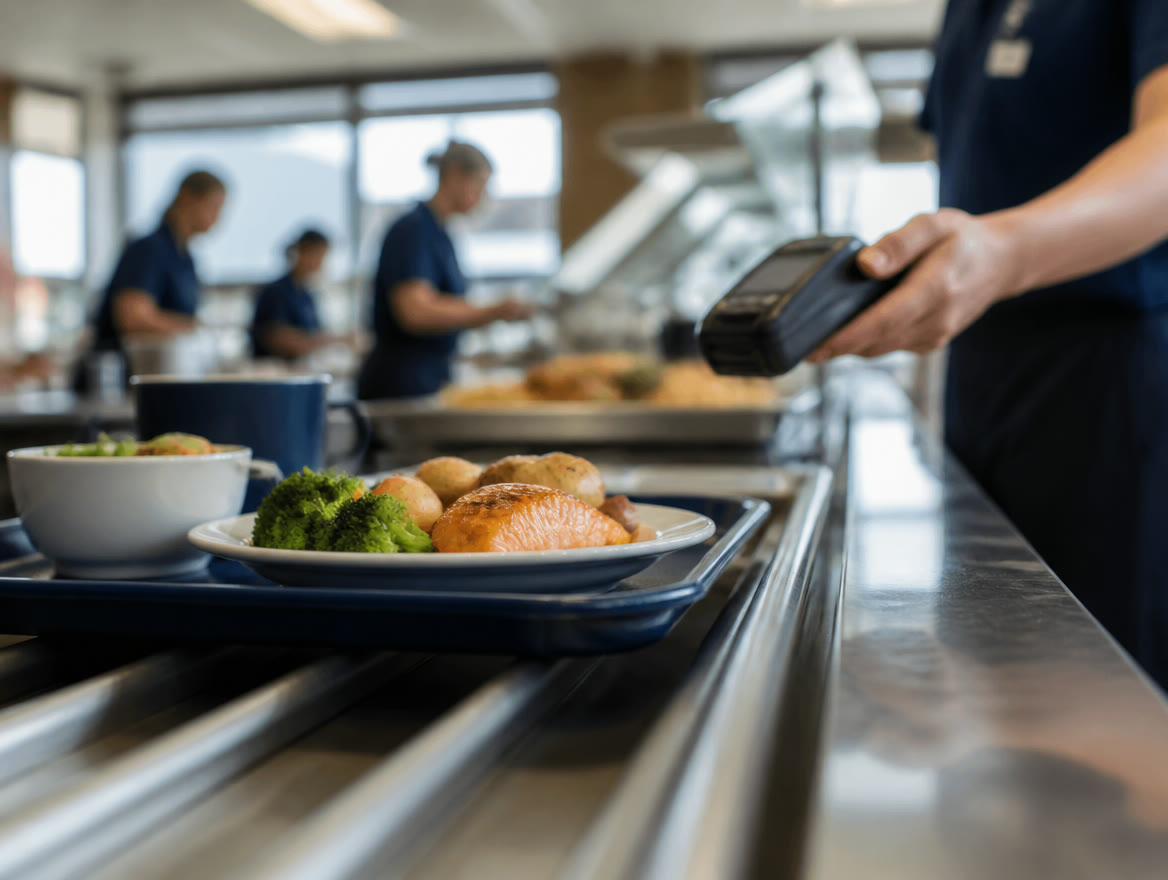
A cafeteria feeds a building on a bell schedule. Whether it is a corporate campus in Las Colinas, a hospital, or a school, your reality is the same: three hundred people arrive in the same forty-minute window, trays in hand, and the steam line, the grill, and the registers have to clear them all before the next wave. You are catering-scale production with retail-speed checkout, on contract margins, with a customer base that eats with you five days a week and notices everything.
Payments at the end of that tray line make or break the math. Every extra seconds-per-tray at the register multiplies by three hundred. Half your diners want to charge to a department, a meal plan, or a badge — and your POS treats them all like strangers with credit cards. Month-end department billing lives in a spreadsheet someone maintains by hand, and card fees quietly compound across thousands of small, contract-priced transactions.
Typical result: the tray line clears faster and month-end billing runs itself — accounts, badges, and cards all through one system.
Where Payments Hurt
- ★Three hundred trays in forty minutes: every extra second at the register multiplies across the line.
- ★Badge, meal-plan, and department charges live outside the POS in a hand-kept spreadsheet.
- ★Month-end departmental billing is a manual reconciliation project nobody claims to own.
- ★Card fees compound across thousands of small, contract-priced transactions with thin built-in margin.
How Lone Star Fixes It
- ★KORONA POS handles high-volume lines with declining-balance and account-charge support built in.
- ★Badge and stored-account payments ring as fast as a tap — no card needed at the tray line.
- ★Biller Genie turns month-end department billing into an automatic invoice run.
- ★A free statement review reprices thousands of small tickets where the compounding actually happens.
Cafeteria Owners Ask Us
Can a cafeteria POS handle meal plans and department charges?
Yes — KORONA POS supports declining-balance accounts, badge identification, and account charges alongside regular card payments, so a director charging lunch to a cost center rings as fast as a tap. We configure the account structures with you from our Dallas / Ft. Worth office.
How do I speed up a cafeteria checkout line?
Stored-value or badge payment is the biggest lever — no card, no PIN, subsecond checkout — followed by additional register lanes at peak and tap-to-pay for guests. Measured per-tray seconds times your headcount shows the payoff quickly.
How should a corporate cafeteria bill departments at month-end?
Let the POS tag every transaction to an account and let automated invoicing send the month-end statements — no spreadsheet reconciliation. Texas dual pricing can also apply to walk-up card sales to protect contract margins; see how dual pricing works.
Prefer An All-In-One System? Square for Restaurants.
Lone Star Payments now offers Square, too. For many cafeterias, Square for Restaurants puts orders, payments, and the kitchen on one system — and we’ll set it up with you and compare its published cost against the options above for your actual card volume.
Explore Food & Beverage
Ready To See It In Action?
Call (214) 838-1818 and a specialist will walk you through the right setup for your business.