Quick Service.
Speed-of-service is everything — kiosks, KDS, and drive-through-ready POS.
Built For You, Configured By Us.
Combo logic, upsell prompts, and kitchen display integration shave seconds off every order.
We benchmark your line speed before and after — the difference pays for the system.
- ★Tableside & counter orderingHandheld and counter POS fire orders straight to the kitchen, split checks six ways without turning your server into an accountant, and speed up every turn.
- ★Kitchen display integrationOrders route to a kitchen display system the moment they're rung, cutting ticket errors and keeping throughput up when you're short-staffed on a Friday night.
- ★Tip management & payroll exportsTips, tip pooling, and hours flow cleanly into payroll — accurate, compliant, and far less end-of-shift math for your managers.
- ★Online ordering & QR payNative online ordering and scan-to-pay QR codes feed the same system as your dining room, so digital and in-house sales settle together with one report.
What It’s Really Like To Run A Quick Service.
Quick service is a physics problem: orders per hour, seconds per transaction, cars per lane. Your lunch window is ninety minutes, your margins are a few points, and the entire model depends on volume moving through a fixed footprint. You have engineered the kitchen down to steps-per-sandwich — the register line and the drive-thru lane are the last bottlenecks, and every second you shave off the average transaction is capacity you did not have to build.
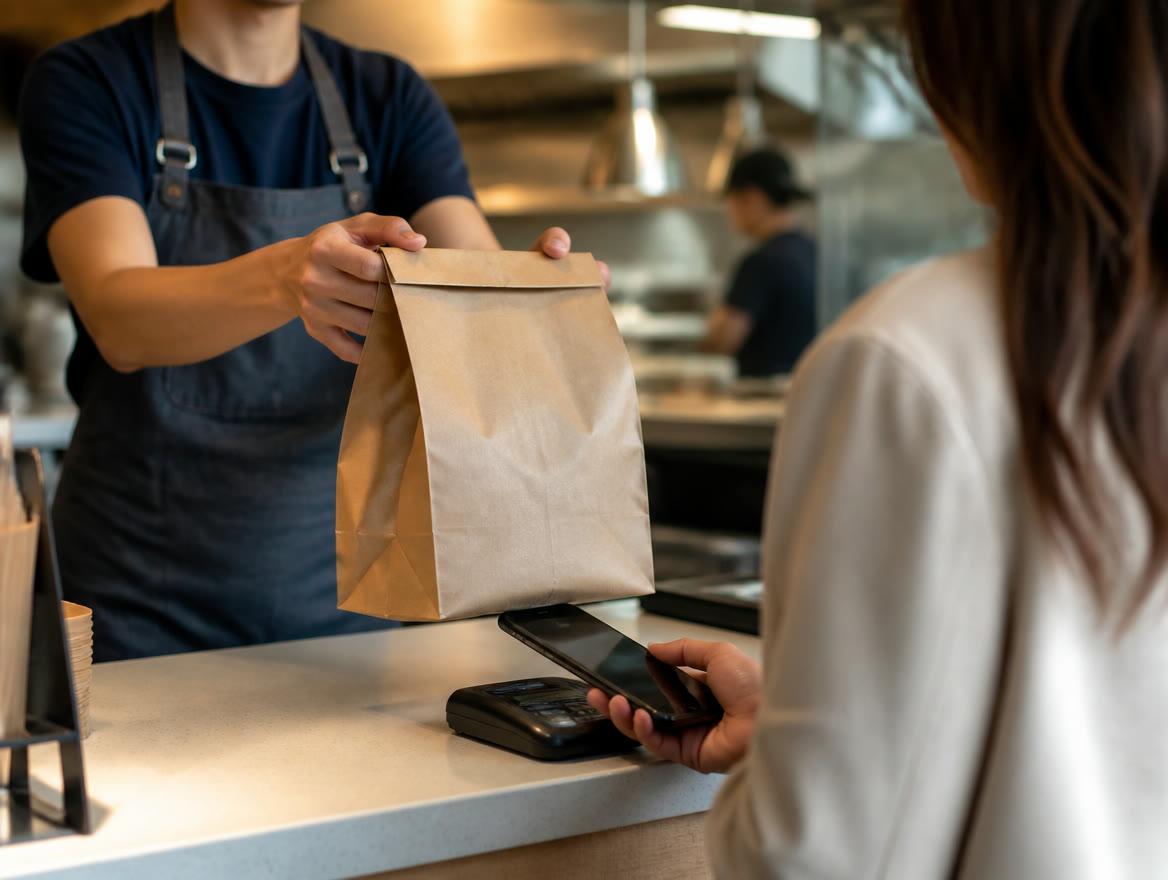
Which is exactly why payment friction is so expensive here. A card transaction that takes twelve seconds instead of four costs you real orders at peak — not theoretically, visibly, as people see the line and keep driving. Percentage fees on an $11 average ticket compound across hundreds of daily transactions. And a register crash at 12:15 on a Tuesday is not an inconvenience; it is the day’s P&L taking a direct hit.
Typical result: seconds shaved per transaction become orders added per rush — throughput you can measure the first week.
Where Payments Hurt
- ★Every extra second per transaction at peak is an order lost to a customer who kept driving.
- ★Percentage fees on hundreds of $11 tickets a day compound into a serious monthly line item.
- ★A register crash at 12:15 takes your best ninety minutes down with it.
- ★One order path — the counter — caps throughput your kitchen could otherwise handle.
How Lone Star Fixes It
- ★Clover or LINGA with instant tap-to-pay tuned for four-second transactions.
- ★Self-order kiosks and line-busting handhelds add order lanes without adding square footage.
- ★Dual pricing recovers the card-fee line — run the numbers with a free statement review.
- ★Same day funding matches your daily-volume cash cycle, and tailored hardware recommendations.
Quick Service Owners Ask Us
How do I speed up my drive-thru payment times?
Tap-to-pay terminals mounted at the window, pre-staged orders, and a POS that confirms payment in under two seconds are the core moves. Handheld line-busting in the lane during peak adds another gear. We benchmark your current transaction time before and after — from Dallas / Ft. Worth, in person.
Are self-order kiosks worth it for a small QSR?
If your counter line caps your lunch volume, yes — a kiosk is an order lane that costs less than an employee and never calls in sick. Average tickets also typically rise with self-ordering. We can help you choose the right hardware.
Does dual pricing work at quick service speed?
Yes — the two prices display automatically on screen and receipt, with no cashier explanation needed once signage is posted. Texas rules require the display to be done correctly, which we configure for you; details in our Texas dual pricing guide.
Prefer An All-In-One System? Square for Restaurants.
Lone Star Payments now offers Square, too. For many quick-service counters, Square for Restaurants puts orders, payments, and the kitchen on one system — and we’ll set it up with you and compare its published cost against the options above for your actual card volume.
Explore Food & Beverage
Ready To See It In Action?
Call (214) 838-1818 and a specialist will walk you through the right setup for your business.