Payanywhere.
Flexible smart terminals and readers with clear pricing — accept payments literally anywhere.
Built For You, Configured By Us.
Payanywhere pairs sleek smart devices with straightforward software: inventory basics, invoicing, and reporting without the complexity of a full POS build.
Great for kiosks, pop-ups, and growing counters — configured and supported by Lone Star Payments.
- ★Free placement programs availableLead with hardware, not a rate sheet. Qualifying merchants get leading POS systems placed at zero upfront cost, so the biggest barrier to upgrading disappears.
- ★Menu / catalog build includedWe load your full menu, modifiers, and pricing before the system ships — so day one is a working register, not a weekend of data entry for your staff.
- ★On-site install & staff trainingAcross Dallas / Ft. Worth, we install in person and train your team on a slow morning; everywhere else in Texas, hardware ships preconfigured with live remote setup.
- ★Same day funding on every batchBatches settled before the cutoff deposit into your bank the same business day, turning a busy weekend into Monday-morning working capital instead of a T+2 wait.
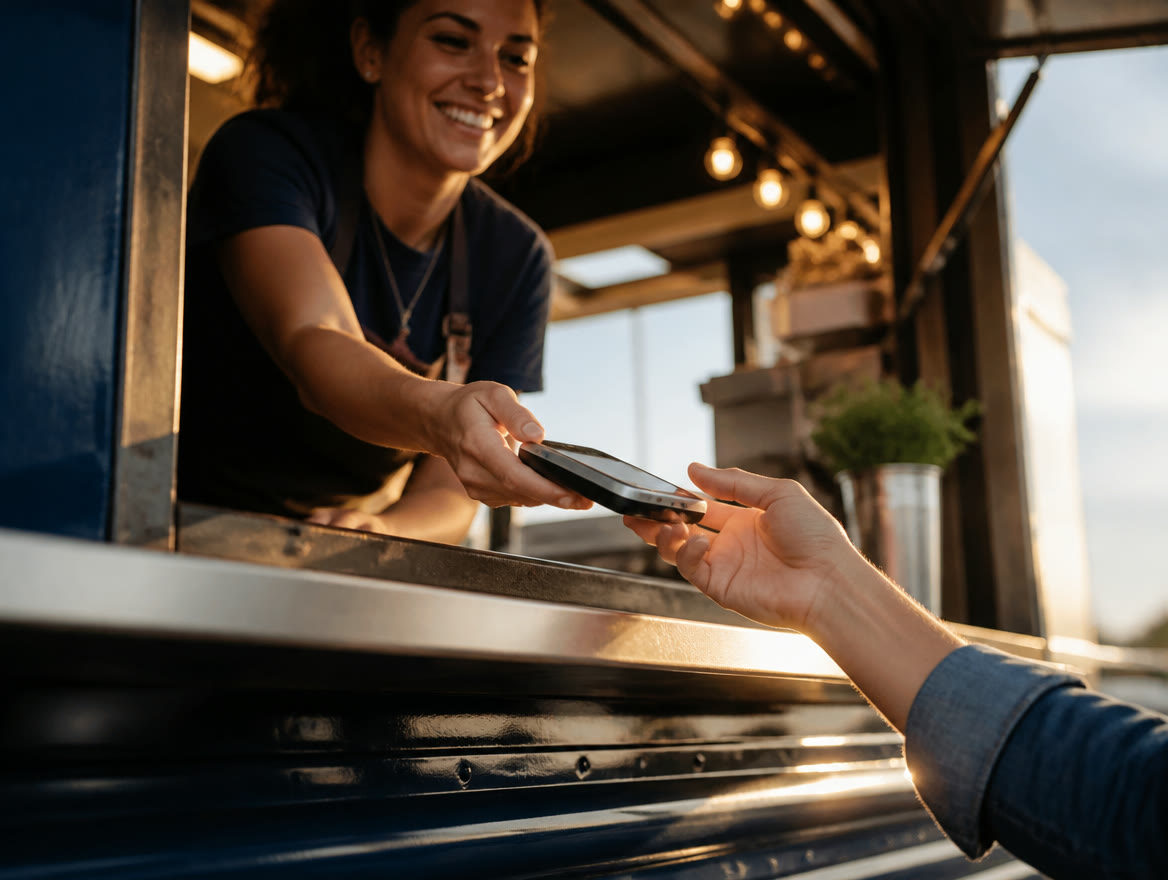
One Device, Every Way to Pay.
Payanywhere is a payments platform pairing smart terminals and mobile readers with straightforward point-of-sale software — tap, dip, swipe, and keyed payments with reporting built in. It fits counter-service shops, salons, and small retail that want a modern all-in-one terminal without a big software project. The appeal is the middle ground: more capable than a phone reader, simpler than a full POS build-out. Merchants with heavy inventory or complex restaurant floors will hit its ceiling — we’ll flag that in the first conversation.
A typical Texas deployment: a smart terminal on the counter of a Plano nail salon takes contactless payments, tracks tickets by employee, and emails receipts, while the owner watches daily numbers from the phone app. A food trailer runs the same platform on a handheld over cellular. We arrive with the terminal already configured — catalog loaded, tax set, dual pricing programmed — so switching processors doesn’t mean a week of fiddling with settings between customers.
A smart terminal should replace the register, the receipt printer, and the reporting spreadsheet in one device — that consolidation, not the gadget, is the actual upgrade.
Problems It Solves
- ★Aging countertop terminals that can’t take tap-to-pay lose contactless customers
- ★Sales reporting means printing the batch and typing it into a spreadsheet
- ★Separate register, terminal, and receipt printer clutter a small counter
- ★Owners can’t see today’s numbers without standing at the machine
How We Deploy It
- ★Terminals ship pre-configured — catalog, taxes, tips, employees — and we install on-site across the Dallas / Ft. Worth metro
- ★Dual pricing programmed with compliant signage; our dual pricing guide explains the model we set up
- ★A modern device lineup — relevant if you’re still on pre-EMV gear; see the EMV liability shift explained
- ★Same day funding attached and Dallas / Ft. Worth-based humans on support, not a national ticket queue
Payanywhere Questions, Answered
Is Payanywhere right for a salon or small shop?
Yes — it’s a sweet spot for counter businesses that want one modern device for payments, tickets, and reporting. Our Dallas / Ft. Worth-based team configures it around how your counter actually runs.
How long does setup take?
Days, not weeks. Once your account is approved we configure the terminal, ship or hand-deliver it in DFW, and most merchants take their first payment the day it arrives.
Can it do dual pricing and tips?
Both. We program a compliant Texas dual pricing display alongside tip prompts, so the math happens on-screen automatically and your staff never has to explain it at the counter.
Explore POS Systems
Ready To See It In Action?
Call (214) 838-1818 and a specialist will walk you through the right setup for your business.